macOS · COMING SOON
Markdown Quick Look
A little Space. A lot more readable.
Read Markdown right in Finder. Select a file, press Space, and see your headings, tables, lists, and code come into focus.
Apple Silicon · macOS 13 or later
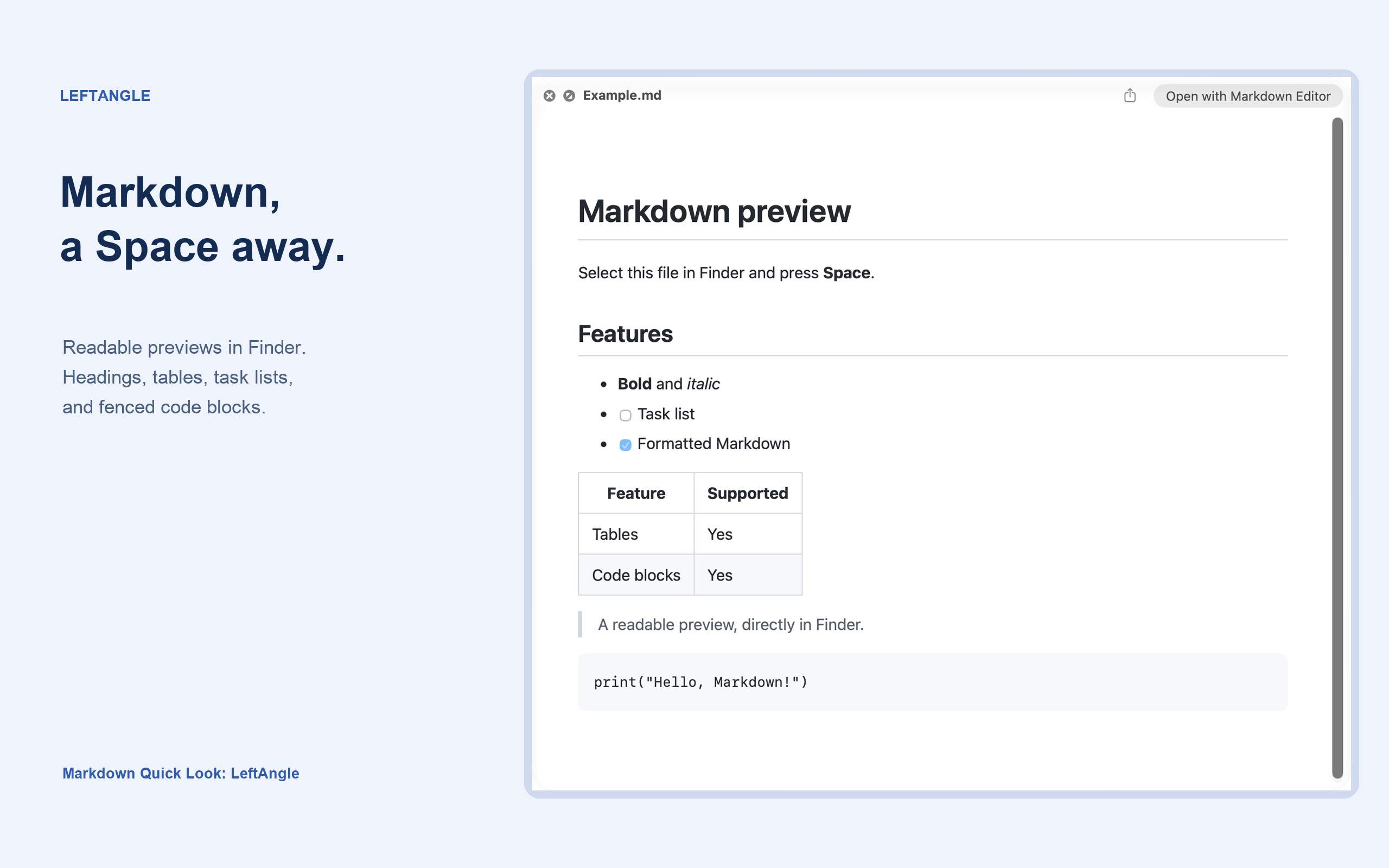
A real Finder preview. Select a Markdown file and press Space.
Your files, in familiar surroundings.
A README should be easy to read before you open an editor. Markdown Quick Look brings formatted previews to Finder, using the Space key you already know.
It supports UTF-8 files with .md, .markdown, .mdown, and .mkd extensions, up to 10 MB. Raw HTML appears as text, images appear as placeholders, and links stay inactive.
Small by design.
No account to create. No document upload to wait for. The Markdown renderer is bundled with the app, and previews are rendered locally on your Mac.
The App Store edition is being prepared for release. All preview features are free; optional one-time tips support development, with no subscription or feature unlocks.